


Table of contents :
During a music production session, smooth workflow is essential to maximize creativity and productivity. One of the main challenges for manufacturers has been to make the use of their software as intuitive as possible with the MIDI controllers on the market.
In response, Native Instruments developed NKS: a protocol enabling deep integration between their instruments and third-party MIDI controllers. Today, NKS compatibility has been extended to a wide range of controllers, giving you new options for even smoother, more efficient production!
What is Native Kontrol Standard (NKS)?
Native Kontrol Standard (NKS) is a technology developed by Native Instruments that enables advanced integration between MIDI controllers and the brand’s software. This integration offers direct, intuitive control over the software without the need for a mouse or keyboard.
No need to bother with complex MIDI mappings, NKS lets you play and adjust directly from your controller.
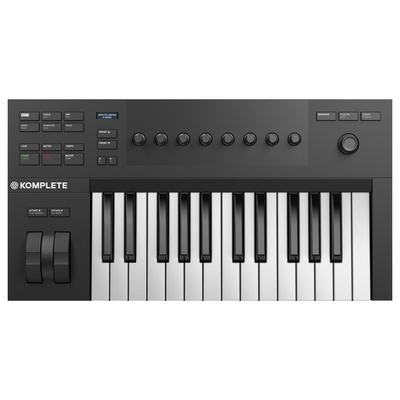
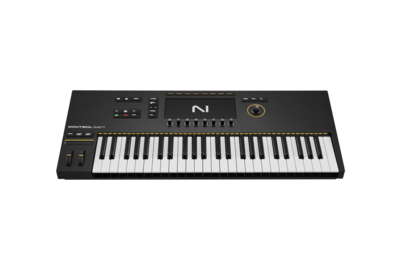
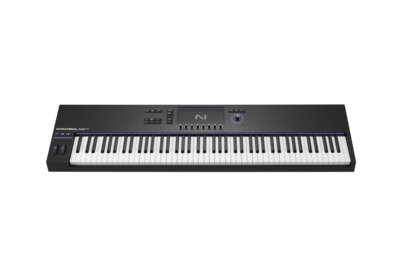
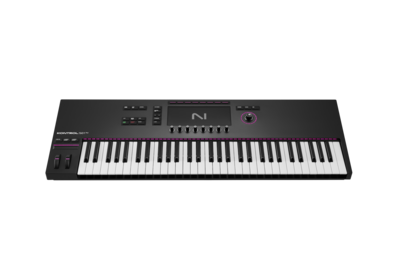
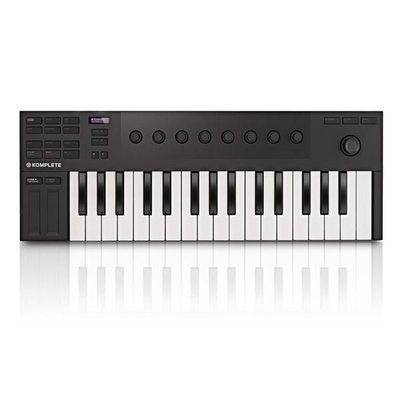
Originally, NKS was integrated mainly on Native Instruments controllers such as the Komplete Kontrol. But they’re no longer the only ones!
Which MIDI controllers are compatible with the NKS?
Native Instruments has extended NKS compatibility with a wide range of third-party MIDI controllers:
- Akai Professional: MPK Series: Mini, Mini Plus, Mini Play
- Small, portable controllers, Akai’s bestsellers
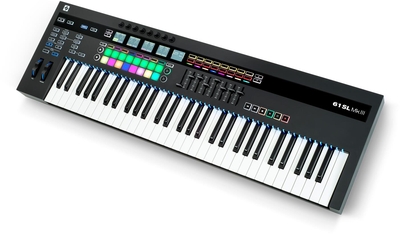
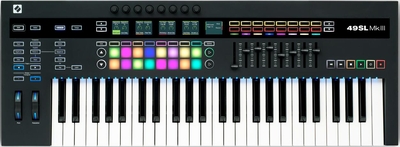
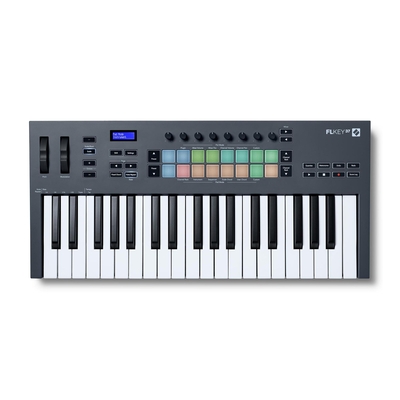
- Novation: Launchkey MK3 and MK4, FLkey and SL MK3
- Novation’s high-performance controllers, renowned for their smooth operation with Ableton and FL Studio
- Nektar: Impact LX25
- Nektar’s brand-new controller with velocity-sensitive keys
- Korg: Keystage
- An advanced, elegant controller from Korg, available with 49 or 61 keys
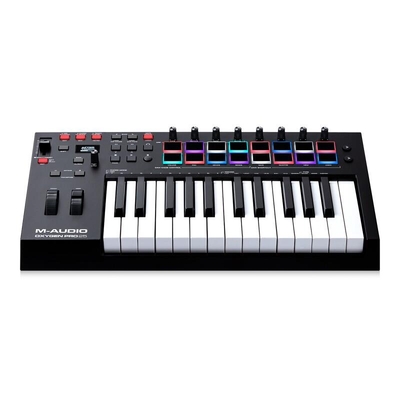
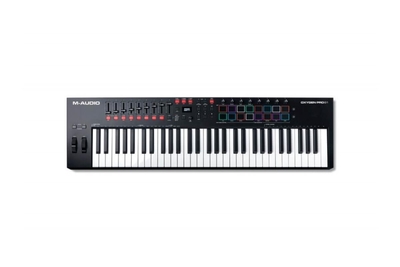
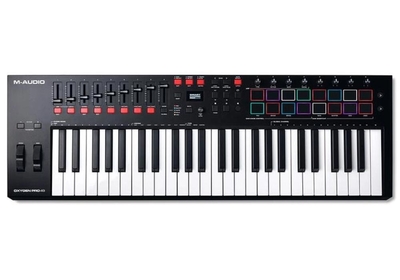
- M-Audio: Oxygen Series
- Powerful, lightweight controllers with 25, 49 or 61 keys










How do I configure NKS integration on these controllers?
Configuring your controller couldn’t be easier: everything is done directly on the Komplete Kontrol manager. You can obtain it when you download a Native Instruments license.
- Open the Komplete Kontrol plug-in in your DAW (you can also open the Komplete Kontrol application independently)
- Open the main menu in the header and select “Controller Manager”
- Follow the steps to connect your MIDI controller to Komplete Kontrol (you’ll find information via this link)
- Once your controller is connected to Komplete Kontrol, double-click on the controller in the manager to load the configuration
Your controller is now operational with Native Instruments software.
Komplete 15 Select included with purchase of NKS-compatible controllers
And that’s not all! When you purchase one of these NKS-compatible controllers, Native Instruments offers you a Komplete 15 Select license, a slimmed-down yet powerful version of Native Instruments’ popular software. Komplete 15 Select includes essential tools such as Massive, Monark, Kontakt 6 Player and Replika, giving producers access to a wide range of high-quality sounds.
Integration with NKS controllers lets you operate Komplete 15 Select seamlessly, as each instrument is mapped for direct, intuitive control.
Conclusion: Optimize your music production with NKS
The integration of Native Instruments software with a wide range of MIDI controllers opens up new perspectives for producers and musicians looking for a fluid, intuitive production experience.
By adding the Komplete 15 Select offer to the purchase of these controllers, Native Instruments enables users of all levels to get started quickly with a suite of high-quality instruments and effects. Whether you’re a home studio producer or a live musician, take advantage of a superb resource to boost your creativity and optimize your workflow!